An educational satellite mission studio. Configure a spacecraft and circular orbit, take the model apart, and compare saved missions.Aneducationalsatellitemissionstudio.Configureaspacecraftandcircularorbit,takethemodelapart,andcomparesavedmissions.
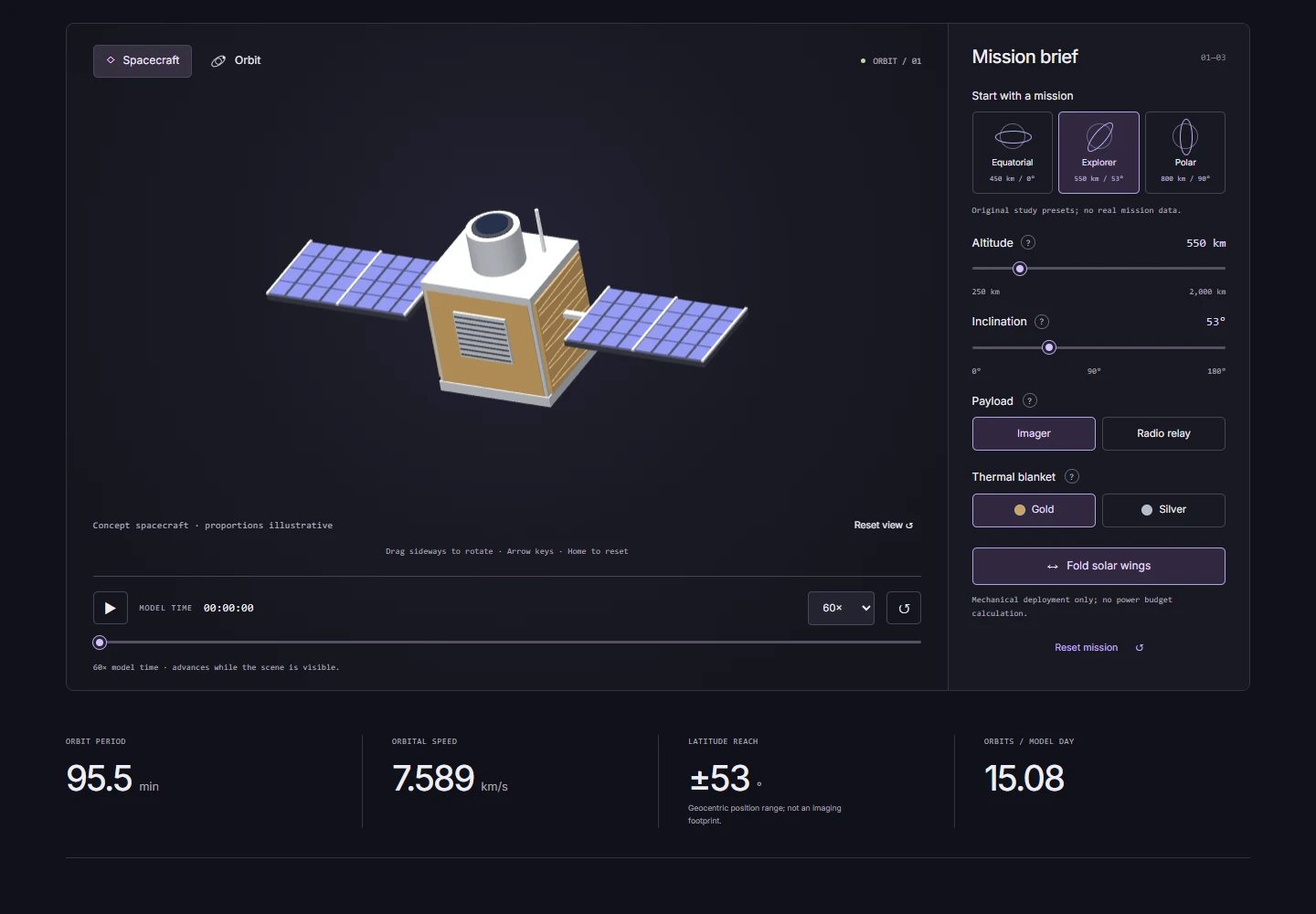
ORBIT spacecraft with deployed solar panels and the mission settings panel.
01
Getting started
Choose a study preset, altitude and inclination. Switch the conceptual payload and blanket, fold the wings, control model time, and save named missions. Review JSON imports before merging or replacing local data.Choose a study preset, altitude and inclination. Switch the conceptual payload and blanket, fold the wings, control model time, and save named missions. Review JSON imports before merging or replacing local data.
02
The result
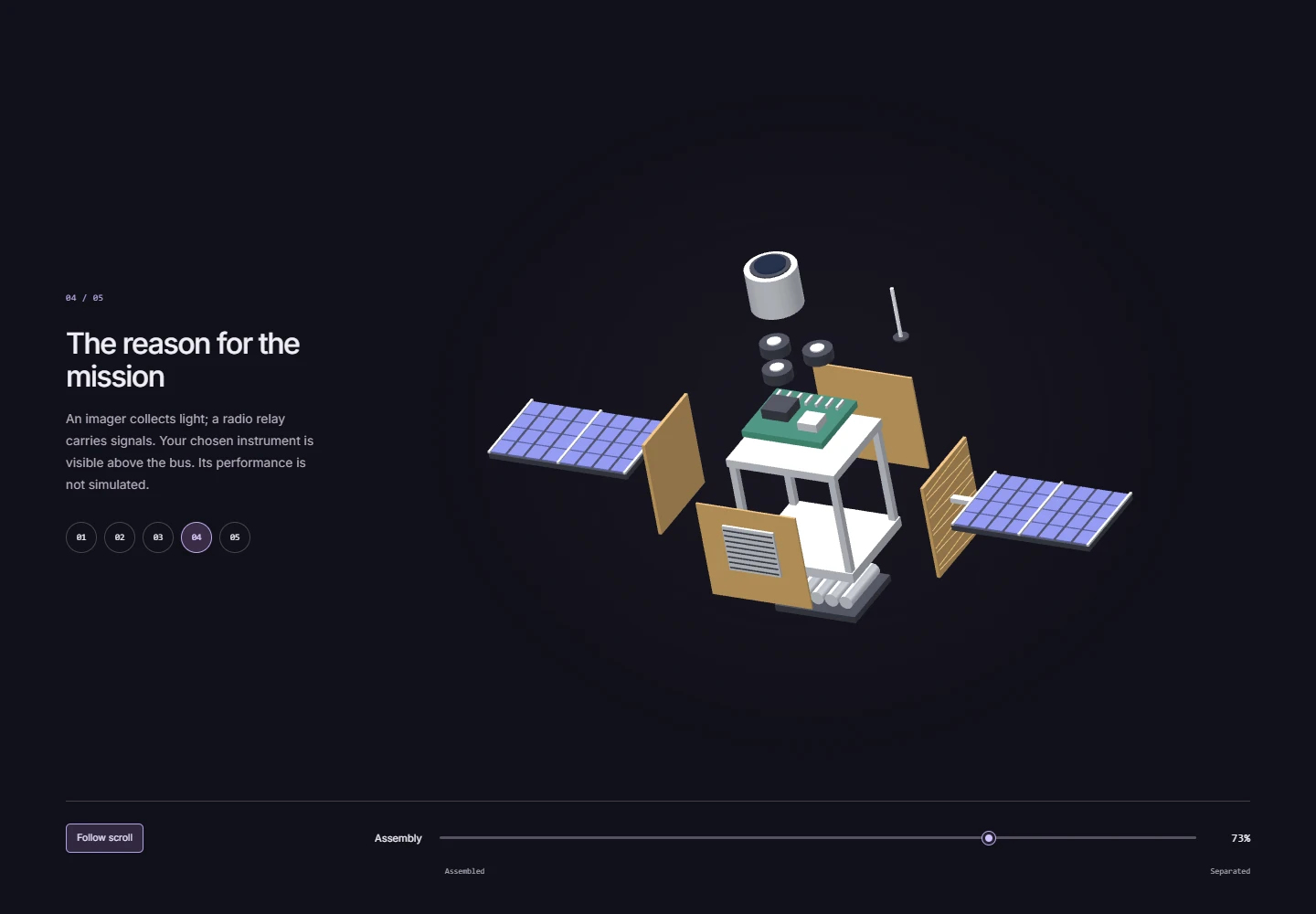
A spacecraft model and orbital plane with calculated speed and period. Move between construction stages, reassemble the craft, and compare two saved missions.A spacecraft model and orbital plane with calculated speed and period. Move between construction stages, reassemble the craft, and compare two saved missions.
03 / Case study
How it works
01
The spacecraft, schematic Earth and orbit use procedural geometry. Earth and the path share a scale; the spacecraft marker is enlarged and labelled for visibility.The spacecraft, schematic Earth and orbit use procedural geometry. Earth and the path share a scale; the spacecraft marker is enlarged and labelled for visibility.
02
Altitude sets the circular orbit’s radius; a two-body model calculates speed and period. Inclination rotates the orbital plane. Scene time belongs to the model, not to live satellite tracking.Altitude sets the circular orbit’s radius; a two-body model calculates speed and period. Inclination rotates the orbital plane. Scene time belongs to the model, not to live satellite tracking.
03
Before importing JSON, review the changes and choose whether to merge or replace the collection. The interface reports storage errors and changes from another tab; actions can be undone.Before importing JSON, review the changes and choose whether to merge or replace the collection. The interface reports storage errors and changes from another tab; actions can be undone.
04 / Case study
Project limits
An educational circular-orbit model without atmospheric drag, Earth rotation or telemetry. It does not calculate a power budget or assess flight readiness.An educational circular-orbit model without atmospheric drag, Earth rotation or telemetry. It does not calculate a power budget or assess flight readiness.